
Why Contractor Leads Don't Turn Into Appointments
The lead to appointment stage is where most contractor funnels leak, and almost nobody measures it. Here are the seven places it breaks, how to tell which one is yours, and what to fix first.
A contractor looks at the month and sees forty leads and nine estimates booked. The ad platform reports forty conversions and looks healthy. The estimating calendar looks empty. Somewhere between those two reports, thirty one homeowners who raised their hand stopped existing, and nobody can say where they went.
That gap is a stage, not an accident. It has its own conversion rate, its own failure modes, and its own fixes, and it is the single least instrumented part of most contractor marketing. Spend goes up, lead count goes up, booked estimates do not move, and the conclusion drawn is almost always the wrong one: that the leads were bad.
Sometimes they were. Often they were fine and the handoff was broken. This article separates the two, walks through the seven specific places a lead dies before it becomes an appointment, and ends with a diagnosis you can run on your own numbers this week. For where this sits in the wider picture, see the complete general contractor marketing guide.
The Stage Nobody Measures
Most contractors can tell you two numbers without looking: how much they spent and how many leads came in. Many can tell you how many projects they signed. Very few can tell you how many of those leads ever became a booked appointment, which is strange, because that stage sits between the two numbers everyone does track and it explains most of the variance between them.
The reason it goes unmeasured is that it does not live in one system. The lead arrives in the ad platform. The conversation happens on a phone. The appointment lands on a calendar. The outcome, if anyone records it, goes in a CRM. No single tool owns the stage, so no single report shows it, so it is never anybody's number to defend.
Split It Into Two Numbers First
Before diagnosing anything, break the stage in half. Lead to appointment as a single rate tells you that something is wrong and nothing about what. Two numbers tell you which half of the business to look at:
- Contact rate: of the leads that arrived, what share did you ever actually speak with, by voice or by text
- Booking rate: of the leads you spoke with, what share agreed to a date for an estimate
The combination points at the problem directly:
| What you see | Where the problem actually is |
|---|---|
| Low contact rate, healthy booking rate | Operations: speed, channels, number of attempts, or leads that were never real |
| Healthy contact rate, low booking rate | Qualification upstream, or the conversation itself |
| Both low | Start with contact rate, because booking rate measured on a tiny sample is noise |
| Both healthy, still no revenue | The problem is later, at estimate to signed contract, not here |
Reporting the two as one number is how a company spends six months fixing lead quality when the real problem was that nobody called back on Saturdays.
The Seven Reasons, in One Table
Nearly every lead that fails to become an appointment fails for one of seven reasons. Each has a different tell, and each has a different fix.
| Reason | How you can tell |
|---|---|
| It was never a person | Numbers that do not connect, emails that bounce, names that match nothing |
| You never reached them | One outbound attempt logged, no reply, lead closed in your head |
| Someone else answered first | Homeowner says they already hired someone, hours or a day after inquiring |
| The ask was too big | Pleasant conversation, no date, a promise to think about it |
| There was no way to book | Leads arrive outside hours and the only option offered is a callback |
| The call came in untracked | Appointments exist that no source can be assigned to |
| Nothing was written down | Leads with no logged activity for weeks, nobody sure whose they are |
Reason One: The Lead Was Never a Person
Some share of what arrives as a lead cannot become an appointment because there is nobody on the other end. Google describes invalid leads as fake or low quality submissions from users or bots, including people who enter incorrect details such as fake email addresses or phone numbers.
The important part of Google's own guidance is the limit it admits to. Google states that its filters do not prevent invalid leads on their own, because most traffic checks happen after the ad serves. Protection from being charged for invalid traffic is not the same thing as never receiving a junk lead, and Google calls lead quality a shared responsibility for exactly that reason.
Google's published recommendations for the advertiser side of that responsibility are concrete:
- Add reCAPTCHA to web forms
- Use double opt-in, confirming through a link in an email before treating the lead as valid
- Validate server side, checking that email domains and phone number formats are real
- Use lead-specific conversion goals rather than generic ones
- Implement the Google tag and enhanced conversions so the data going back is first party
Qualification as a whole is a larger subject, covered in how to generate qualified contractor leads. For this stage, the only question is narrower: what share of your unbooked leads were never contactable at all? Until you know that, every other rate is calculated on a denominator you do not trust.
Reason Two: You Never Actually Reached Them
This is the biggest single leak in most contractor funnels, and it is almost never recorded as what it is. A lead comes in, someone calls once, it rings out, no voicemail is left, and the lead quietly becomes a bad lead in everyone's memory. Nothing about that homeowner changed. The company just never spoke to them.
Three mechanics decide how often this happens:
Attempts, not an attempt
One call is not an attempt to reach someone, it is a coin flip. A homeowner who filled out a form at nine in the evening is not avoiding you at ten the next morning, they are at work. How many attempts, spaced how far apart, and across which channels is the follow-up discipline covered in how to follow up with contractor leads.
An unknown number is easy to ignore
A cold call from a number nobody recognizes competes with every other unknown call a person gets in a week, and most of those are not worth answering. A text message sent within a minute of the form submission, naming the company and the project the homeowner asked about, converts an unknown number into an expected one. The call that follows is a different call.
Leads do not arrive during business hours
Homeowners research renovations in the evening and at weekends, which is precisely when nobody is in the office. A lead that waits until Monday morning has spent two days being contacted by whoever did answer. Either coverage extends to when the leads actually arrive, or the first response has to be automatic and the human one follows.
Reason Three: Someone Else Answered First
A homeowner planning a kitchen remodel rarely contacts one contractor. They contact three or four in the same sitting, which means your competition for that appointment is not a better pitch, it is a faster phone.
This changes how speed should be understood. Responding quickly does not just move the conversation earlier, it decides whether the conversation happens at all. By the time a contractor returns a call the next afternoon, the homeowner has often already booked two estimates and has no reason to arrange a third.
There is also a measurement argument for speed that has nothing to do with the homeowner. Google's guidance for lead generation advises choosing a conversion action that happens within 7 days of the ad interaction for timely optimization. If the appointment is what you report as the conversion, then an appointment arranged three weeks after the click is a weaker signal for the bidding system than the same appointment arranged in two days. Slow follow-up degrades the data as well as the deal.
Reason Four: The Ask Was Too Big
Some leads are reached, qualify, have a pleasant conversation, and still do not book. The usual cause is that the only next step offered was larger than the homeowner was ready to agree to.
A site visit is a real commitment. It means a stranger in the house, a block of time, and in the homeowner's mind the beginning of being sold to. Asking for that at the end of a first conversation works when the person is ready and fails silently when they are not, because the polite answer is never no, it is that they will think about it.
Offering a smaller intermediate step converts a meaningful share of those conversations:
- A short video or phone walkthrough of the project before any visit is scheduled
- A ballpark range for similar work, sent in writing, with the visit as the step that makes it exact
- A specific named slot rather than an open question, since choosing between Tuesday morning and Thursday afternoon is easier than choosing from nothing
- A clear description of what the visit involves and how long it takes, which removes most of the reason to hesitate
The last point is the one most often skipped. A homeowner declining an appointment is frequently declining an unknown, not declining your company.
Reason Five: There Was No Way to Book
A homeowner ready to schedule at ten at night, who finds a phone number as the only option, is a lost appointment waiting to happen. The intent was there and the mechanism was not.
Two channels matter here beyond the website. Google Business Profile now supports adding a WhatsApp or text messaging option to a business's contact information, so customers can reach the company by message directly from the profile. Google notes that this requires a claimed and verified Business Profile and that chat options are currently available for select regions, so it is worth checking rather than assuming.
It is also worth knowing what no longer exists, because stale advice about this is everywhere. Google discontinued the older Business Profile chat and call history features as of July 31, 2024, and states that those features are no longer available in the profile. Any playbook still telling contractors to manage leads through Business Profile chat history is describing a tool that was switched off.
On the site itself, the booking path belongs above the fold on every service page, not only on a contact page. What a contractor website needs to carry is covered in what every general contractor website should include.
Reason Six: The Call Came In Untracked
For most contractors the phone is the funnel, and it is frequently the least instrumented part of the business. When calls are not tracked, two things break at once: you cannot tell which channels produce the conversations that book, and you cannot tell the ad platform which calls were worth having.
Google Ads offers two ways to count a call as a conversion. The familiar one is duration: you set a minimum call length in seconds, and every call that lasts at least that long counts, which filters out the short calls that were never going to contain a booking. That requires call reporting to be enabled so that Google forwarding numbers are used.
The newer one is AI-qualified call conversions, which reads the content of the call rather than its length. Google states that if call recording is on, all calls will be recorded and evaluated by AI, and only qualified calls will count as conversions, with duration used as a fallback signal when recording is unavailable. According to Google, the AI looks for signals of intent such as a customer inquiring about specific services, scheduling a consultation, or showing readiness to purchase.
Two constraints are worth noting before planning around it. Google states that call recording is currently only available when both the dialing and receiving phone numbers are located in the United States or Canada, and that recording stays off by default for health care and financial services businesses, which can enable it manually.
Duration and AI scoring are both proxies. The strongest version is still to record the real outcome of each call in the CRM and report booked appointments from there, which is what the next section is about.
Reason Seven: Nothing Was Written Down
The last reason is the most ordinary and the most expensive. A lead is reached, the conversation goes fine, the homeowner says to call back after a holiday, and nobody writes it down. Three weeks later nobody remembers, nobody owns it, and the lead was never marked lost because it was never marked anything.
This failure has a distinctive signature, and it is easy to look for. Sort your pipeline by the date each record last changed stage, not by the date it was created. A cluster of open leads with no activity logged for weeks is not a lead quality problem and not a marketing problem. It is work that was paid for and then left on a shelf.
The minimum structure that prevents it is small:
- Every lead has an owner by name, not a shared inbox
- Every lead has a stage, including an explicit one for contact attempted but not reached
- Every contact attempt is logged with its date and channel, including the ones that failed
- Every closed lead has a reason, chosen from a short fixed list rather than typed freely
- Every lead carries its source, so the stage can be measured per channel
The loss reason list is the piece contractors skip and the piece that pays. Without it, every unbooked lead gets filed in memory as a bad lead, which is the single most expensive assumption in this article. With it, the pattern becomes visible: out of area, out of budget, never answered, went with someone else, not ready yet. Those five categories lead to five completely different decisions.
How to Measure the Stage Properly
Four numbers, tracked by source, are enough to run this stage well:
- Contact rate: leads you spoke with, divided by leads received
- Booking rate: appointments booked, divided by leads you spoke with
- Time to first contact: median, measured in minutes, inside working hours
- Cost per booked appointment: spend divided by appointments, which is the number that connects this stage to the budget
Cost per booked appointment is where the argument against judging channels on cost per lead becomes visible. Take two channels at the same spend:
| Channel A | Channel B | |
|---|---|---|
| Spend | $3,000 | $3,000 |
| Leads | 60 | 30 |
| Cost per lead | $50 | $100 |
| Contact rate | 40% | 80% |
| Leads spoken with | 24 | 24 |
| Booking rate | 25% | 50% |
| Appointments booked | 6 | 12 |
| Cost per booked appointment | $500 | $250 |
Channel B costs twice as much per lead, produces half as many leads, and books twice as many estimates for the same money. This is a hypothetical illustration chosen to make the arithmetic visible, not an industry benchmark. On a cost per lead report, Channel B is the line item that gets cut.
The same logic applied one stage earlier is the argument for judging cost per lead against what a lead is actually worth, and applied one stage later it becomes real marketing ROI.
Telling Google the Appointment Happened
Measuring the stage for your own reports is half the value. The other half is sending the result back, because automated bidding optimizes toward whatever you report as a conversion. Report form fills and you get form fills. Report booked appointments and the system starts hunting for people who book.
Google recommends using conversion goals specific to lead generation, such as qualified lead, converted lead, book appointment, or request quote, and notes that these automatically trigger invalid traffic protections built specifically for lead generation campaigns. Choosing the goal is therefore not just a labelling exercise.
Two of those goals carry a specific meaning worth getting right. Google replaced the older imported leads goal with qualified leads and converted leads, and defines them this way:
- Qualified lead: a Google generated lead that was further qualified offline, outside Google Ads, in your CRM or internal lead generation system
- Converted lead: a Google generated lead that completed a chosen step in your lead conversion process, typically offline
For a contractor, the booked appointment is usually the right step to define as the reported outcome. It happens soon enough after the click to be a useful optimization signal, it is unambiguous, and unlike a signed contract it does not wait on a sales cycle measured in weeks. Enhanced conversions for leads is the mechanism that sends it back, using hashed first-party data from the CRM.
Diagnosing Your Own Funnel in an Afternoon
This does not need new software. Take the last 60 leads, put them in a spreadsheet, and fill in five columns: source, date and time it arrived, date and time of first contact attempt, whether you ever spoke with the person, and whether an appointment was booked.
The answers fall out immediately:
- Count the leads with no contact attempt logged at all. That number is usually the first shock.
- Calculate the median gap between arrival and first attempt, and look at it separately for evenings and weekends.
- Split contact rate and booking rate, then read them against the table earlier in this article.
- Count how many never connected at all, which approximates your invalid and unreachable share.
- Break all of it down by source, because one channel is almost always dragging the average.
Sixty leads is not a statistically robust sample and it does not need to be. If twenty of them have no contact attempt recorded, you do not need a confidence interval to know what to fix on Monday.
The Fix, in Order
- Instrument the stage: contact rate, booking rate, time to first contact, cost per booked appointment, all by source.
- Send an automatic acknowledgement within a minute of every inquiry, by text where you have consent.
- Set a target for first human contact in minutes, and cover the evenings and weekends when leads actually arrive.
- Define a minimum number of contact attempts across at least two channels before a lead can be closed.
- Give the person answering the phone access to the estimating calendar and authority to commit a slot.
- Offer a smaller intermediate step for homeowners not ready to agree to a site visit.
- Publish a booking path on every service page, and add a message option to the Google Business Profile where available.
- Turn on call reporting, and decide deliberately between a minimum call length and AI-qualified call conversions.
- Add reCAPTCHA, double opt-in, and server-side validation so fewer invalid leads enter the count at all.
- Require an owner, a stage, and a loss reason on every lead record, from a short fixed list.
- Report the booked appointment back as the conversion, using a lead-specific goal and enhanced conversions for leads.
- Re-run the 60 lead audit a month later and compare, because this stage drifts back without attention.
Done in that order, the usual result is that lead volume stays exactly where it was and booked estimates rise. That is the whole point: this stage is almost never fixed by buying more leads, and it is frequently made worse by it. For how much to put behind the system once the stage holds, see how much general contractors should spend on marketing.
Frequently Asked Questions
Frequently Asked Questions
Stop Losing Leads Between the Form and the Calendar
We will audit your lead to appointment stage, show you which of the seven leaks is costing you the most estimates, and tell you what to change first.
Schedule a Free Funnel ReviewRelated Contractor Marketing Guides
Marketing for General Contractors: The Complete Guide
A comprehensive overview of every marketing channel and strategy general contractors need to generate consistent, qualified leads — from Google Ads and local SEO to CRM systems and revenue tracking.
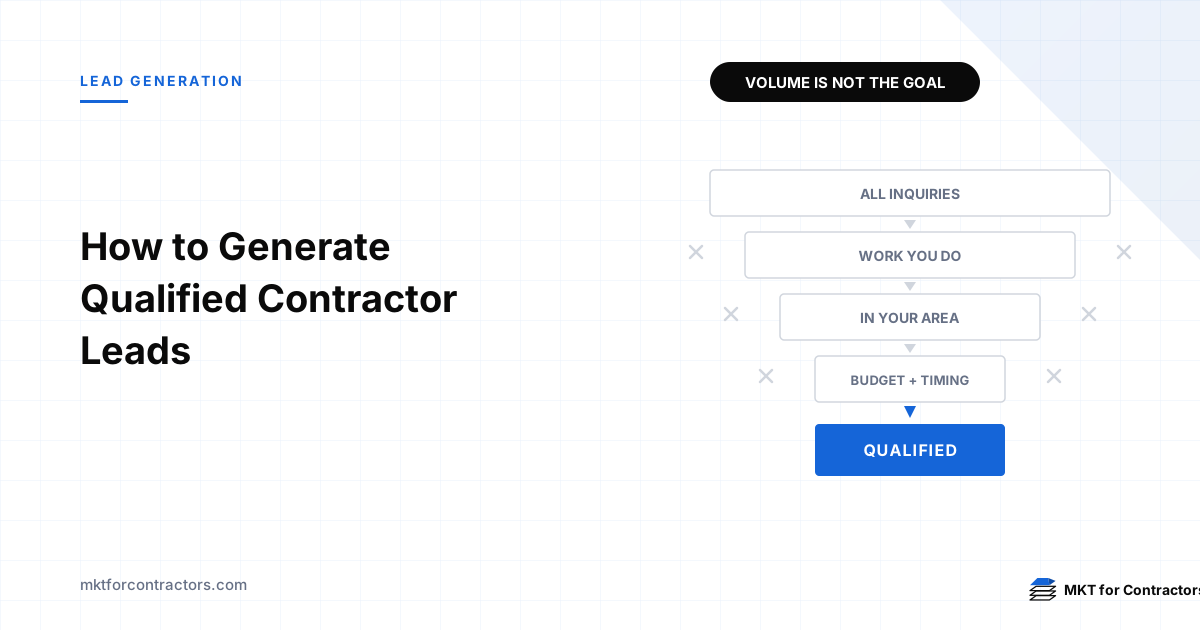
How to Generate Qualified Contractor Leads
A system for generating contractor leads that actually convert: how to define qualification, filter at every stage from targeting to phone call, and feed the result back so the platforms optimize for quality instead of volume.
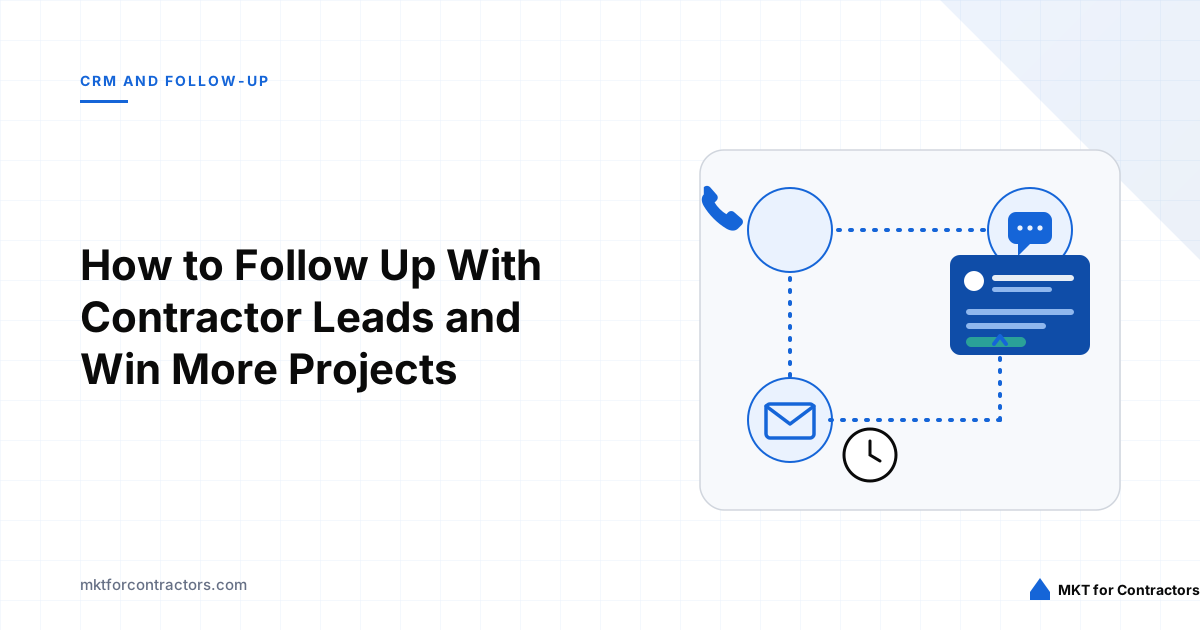
How to Follow Up With Contractor Leads and Win More Projects
A practical lead follow-up system for contractors — timing, channels, scripts, CRM workflows, and qualification processes designed to turn more inquiries into appointments, estimates, and signed projects.
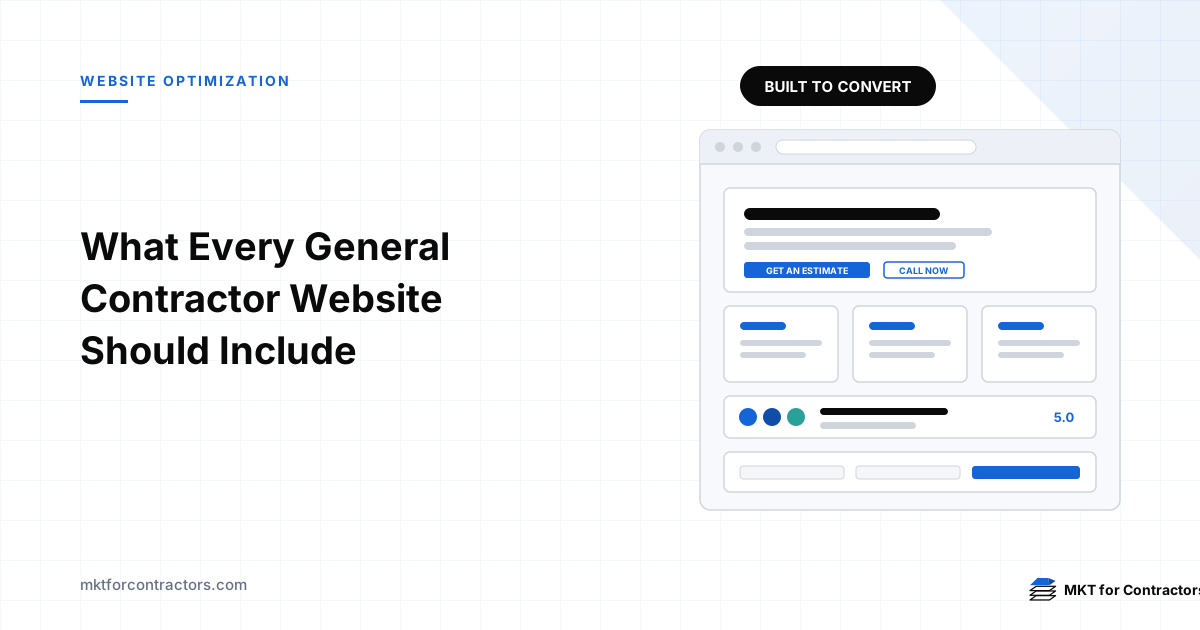
What Every General Contractor Website Should Include
A practical checklist of the pages, proof, contact paths, and technical foundations a general contractor website needs to turn visitors into qualified estimate requests.
What Is a Good Cost per Lead for General Contractors?
Learn how to calculate what your construction company can profitably pay for a lead based on project value, margins, qualification rates, close rates, and signed revenue.
How to Calculate Contractor Marketing ROI
A practical framework for measuring contractor marketing ROI from marketing spend to signed revenue and gross profit.